

Your first captured session
Have a normal conversation with a supported AI tool, then find it in Worsley.
- 1Make sure the extension is installed and connected.
- 2Open ChatGPT, Claude, Gemini, or Copilot and start a conversation.
- 3Work as you normally would. Worsley captures each turn as it completes.
- 4Open your Worsley account. The session appears in your sessions list, usually within a minute.
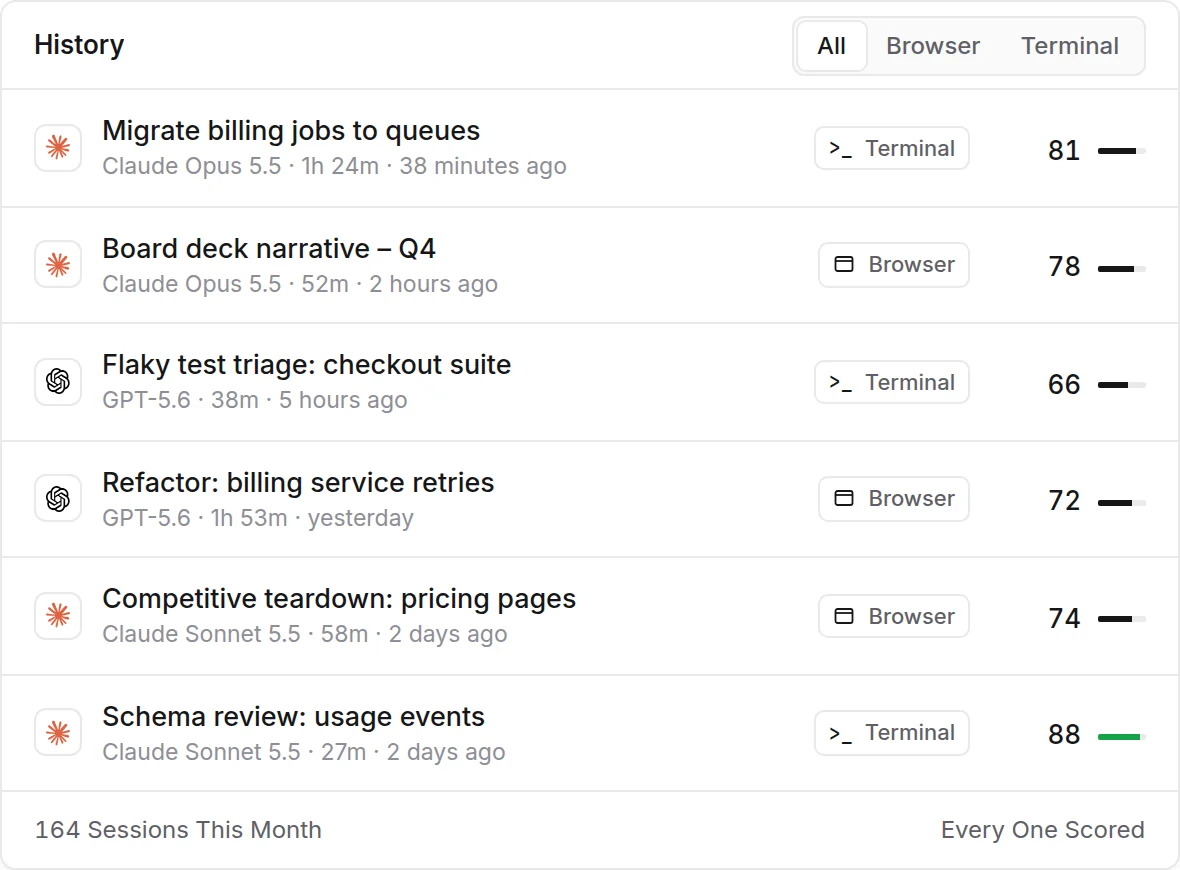
Worsley grades a session about three minutes after it goes quiet, or right away when you leave the chat or press Grade Now. A new turn grades the session again, so its score can change.
Related articles
- Session isn't appearingWhat to check when a conversation doesn't show up in Worsley.
- How session capture worksWorsley records each session as it happens, in your browser and in your terminal, and uploads it securely.
- Why your score may change throughout a conversationEvery new turn adds to the session, so the score updates as you go.